-

Member
[ADDON] DragonUI - Dragonflight UI for WotLK 3.3.5a
Hey Warmane community! ?
I've been working on my own take of bringing Dragonflight's modern UI aesthetics to our beloved 3.3.5a client. After months of tinkering and learning, I'm finally ready to share **DragonUI** with you all.
What is it?
A comprehensive UI overhaul that gives your WotLK interface a fresh, modern look while keeping everything functional and customizable.
Key Features:
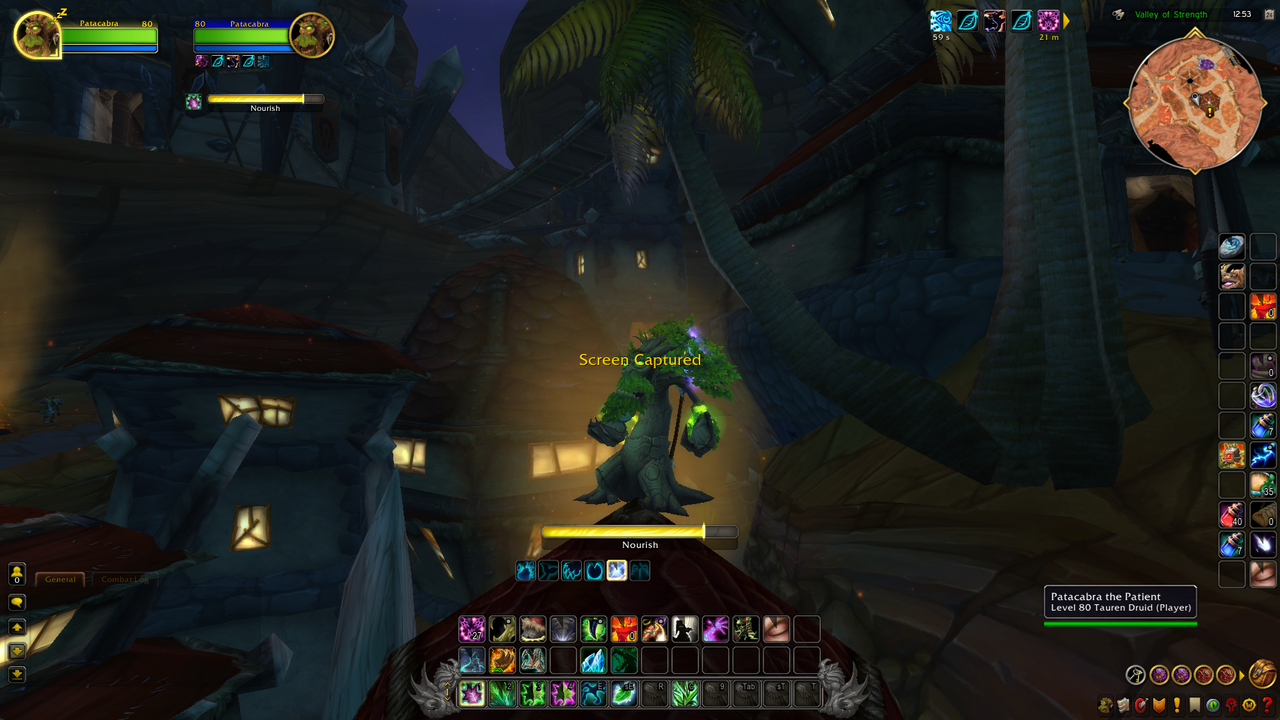
• Enhanced unit frames (Player, Target, Focus, Party + ToT/ToF)
• Modernized micro menu with player portrait
• Improved cast bars and action bars
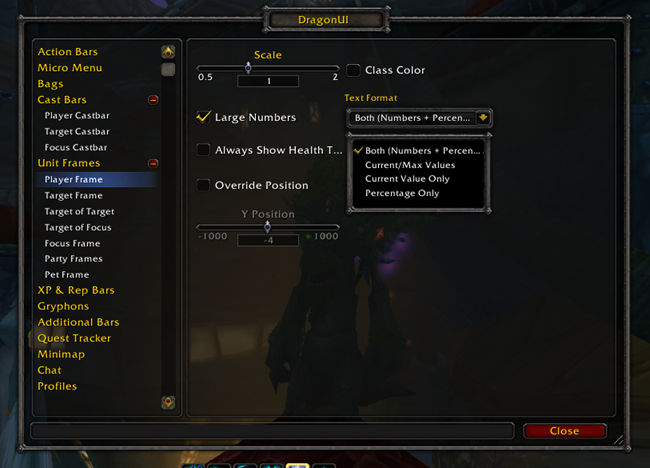
• Extensive in-game configuration panel
• Profile management per character
• Conflict detection with other addons
• ...and much more!
Screenshots:
Download & Installation:
? GitHub: https://github.com/NeticSoul/DragonUI
Important Notes:
- This is still a work in progress, so expect some rough edges
- Works perfectly on Warmane (tested on Icecrown & Lordaeron)
- Compatible with most other addons
- Feedback and bug reports are super welcome!
I've put a lot of love into this project and I'm excited to see what you all think. Give it a try and let me know how it works for you!
Happy raiding! ?
---
Credits to the amazing addon developers whose work inspired and helped make this possible - full attribution in the GitHub readme.
-

Member
Hello,
Lightweight and effective, very good work.
-

Member
Hello,
It really does look awesome!
But I cannot move my left and right action bar. Is that normal?
-
Member
Thank you so much for your work, looks amazing!
You deserve a lot of credit about this, congratulations.
-
Member
I downloaded it,keep thw working. I will used it in thw future. Its just me or when i go over my gear items i becomes laggy.
-
Member
Any way to move the cast bar of the target? On "editor mode" the target's cast bar doesn't appear to me as an object, and I can't seem to find on the UI config menu (currently using v2.4.1)
-

Member
Solid UI, great work. Glad it is easy to drop in and start using. If you have any profiles you might be willing to share, that would also be cool.
 Posting Permissions
- You may not post new threads
- You may not post replies
- You may not post attachments
- You may not edit your posts
-
Forum Rules

 Quote
Quote